In order to simplify the process of electronic signature remotely and via the integrated information system PROGRES, for your exit transcripts for the academic year 2023-2024, you must follow the following steps:
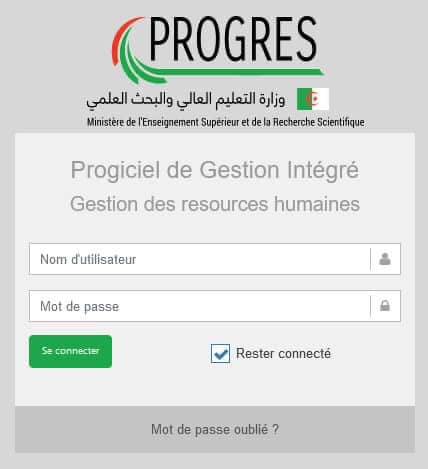
1- Access the human resources management platform using your account,
2- After logging in, you must make sure to choose the appropriate role for this process: ENSEIGNANT,
3- In the available list, you must choose the #sign_on_the_reports feature, then click on #sign_the_exit_reports,
4- After the title of the transcript for the academic year appears and the exit and resumption dates specified by your institution, you must #click_on_the_framed_box in the table for attached image 4,
5- After reviewing the details of the report and confirming the dates of departure and resumption, you must click on the button #I agree and proceed,
6- You can finally download the digital copies of the vacation document and the minutes.